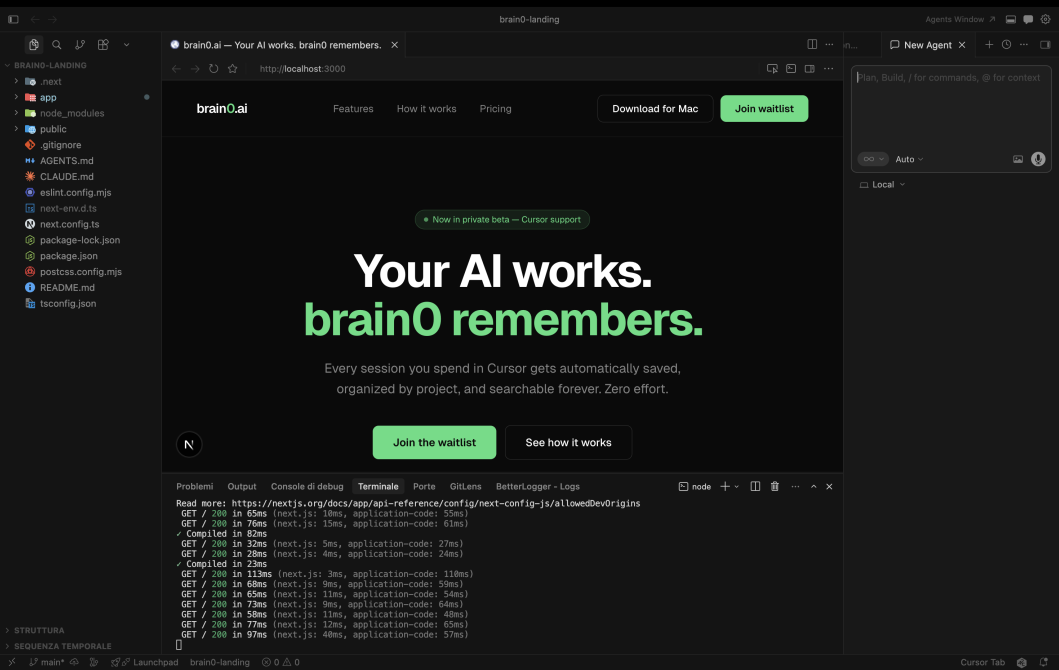
Your AI works.
Brain0 remembers.
Every session you spend in Cursor gets automatically saved, organized by project, and searchable forever. Zero effort.
Three steps. Zero friction.
Add Brain0 to Cursor MCP config
Drop one line into your Cursor config.
"mcpServers": {
"Brain0": {
"command": "brain0-mcp",
"args": []
}
}
}
Code with Cursor
Work in Cursor exactly as you always do.
Brain0 saves it
Everything you built, saved automatically.

Built for developers
who use AI every day.
Everything lives on your Mac. No cloud, no account, no surveillance. Just your work, remembered.
Auto project detection
Reads the working directory from each session and creates projects automatically. Zero config.
100% local
Everything stored in SQLite on your Mac at ~/.brain0/. Your code never leaves your machine.
Full-text search
Search across all sessions instantly. Find that fix you made three weeks ago in seconds.
Chronological timeline
Every project has a day-by-day timeline. Like a git log, but readable by humans.
Files touched
Each task shows which files were modified. Instantly recall the scope of any session.
Inbox for loose work
Sessions outside a project go to Inbox automatically. Nothing gets lost.
Simple, honest pricing.
Free to try, pay when you need more.
Free
- 1 project
- Unlimited tasks
- Full-text search
- Local storage
Pro
- Unlimited projects
- Unlimited tasks
- Full-text search
- Early access to features
Lifetime
- Everything in Pro
- All future updates
- Supporter badge
- Priority support
Stop losing your work.
Join the waitlist. First 200 users get lifetime access at $49.
Mac only · No credit card required · Ships soon